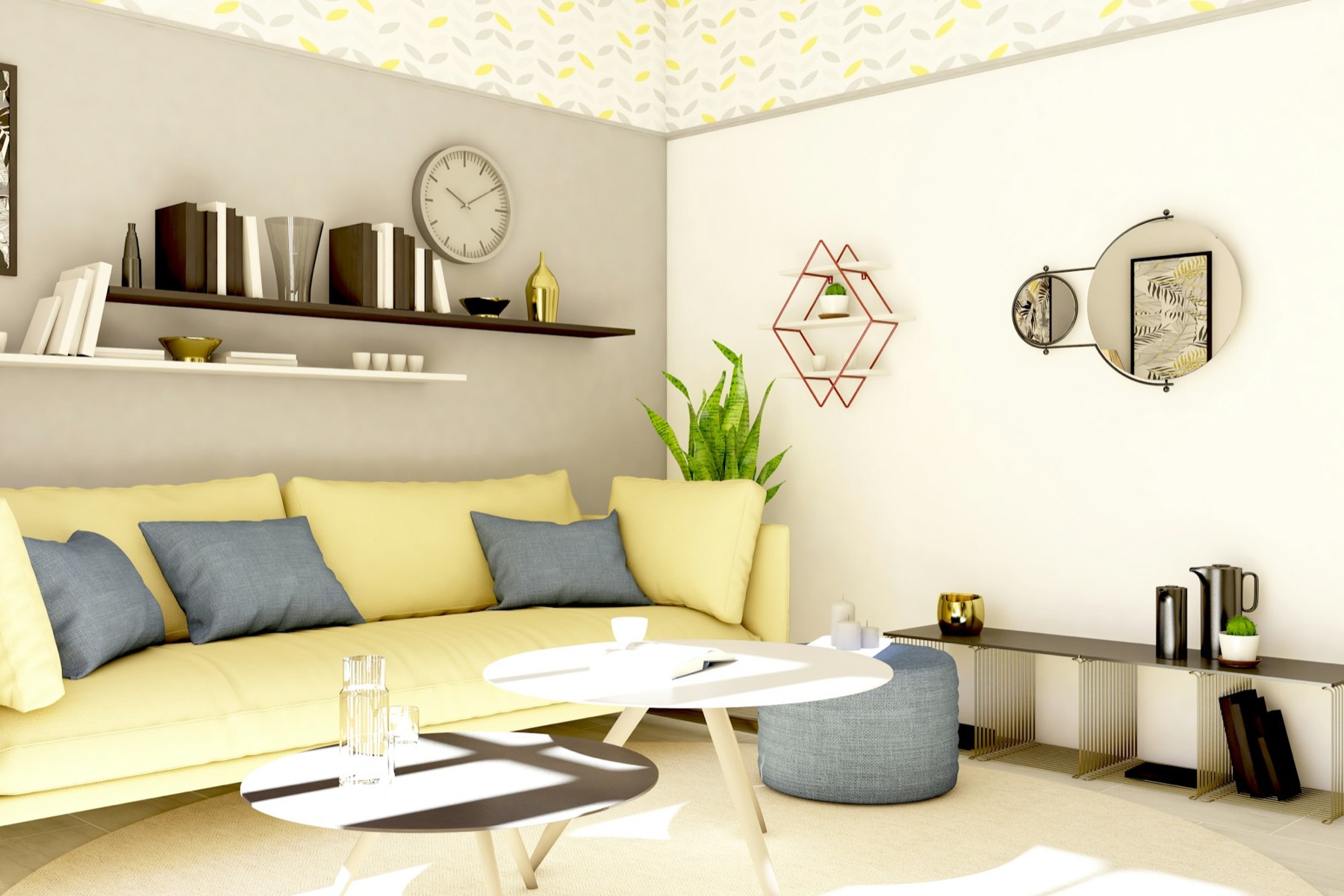
A page for the vacancy, a feed for the marketplaces
Publish an available unit as a public listing with photos, hand the marketplaces a feed they can pull, and collect every enquiry in one queue instead of an inbox.
Publish from a unit you already have
A listing is built from a real unit, so the bedrooms, bathrooms, square footage and market rent are already right. Nothing is retyped and nothing drifts out of date.
Villagely knows which units have no active lease and offers those. You pick one rather than describing a property from scratch.
Upload a set, drag them into the order you want, and the first becomes the card image everywhere the listing appears.
A listing has a status. Drafts stay private, published listings are public, and marking one leased takes it down everywhere at once — including the feeds.
A vacancy costs more than everything else on this page
Every day a unit sits empty is rent that cannot be recovered later. The whole job is getting a truthful advert in front of people quickly, and answering what comes back before somebody else does.
A feed the marketplaces can pull
Rather than retyping the same vacancy into four sites, Villagely publishes machine-readable feeds at a stable address and the marketplaces read them on their own schedule.
A feed in the format the Zillow Rental Network expects, at a fixed URL you hand them once. It reflects your published listings on every fetch.
The same listings in a neutral format, for a marketplace that wants its own mapping or for your own site to consume directly.
Every published listing gets its own page with the gallery, the details and an enquiry form — a link you can put anywhere, including a text message.
Enquiries land somewhere, not in an inbox
Someone interested fills in the form on the listing page. It arrives as a record attached to that listing, with a state, so nobody has to remember who has been replied to.
Enquiries across all your vacancies in one list, newest first, each showing which unit it came from.
Close an enquiry when you have dealt with it. The record stays, so you can see what interest a unit actually attracted.
When an enquiry becomes a real prospect, the online application is already part of the platform — no separate tool to send them to.
From an empty unit to a queue of enquiries.
A vacancy costs more than everything on this page combined. The whole job is getting a truthful advert in front of people quickly, and handling what comes back.
- 01
You describe the unit once
Rent, deposit, beds, baths, size, available date, pets, furnishing, what is included. Written down once and reused everywhere, rather than retyped per portal.
- 02
A description is drafted for you
Generated from the unit’s own details, then checked a second time against those same details — anything it cannot support is removed rather than published. An advert that oversells is a fair-housing problem, not a copywriting one.
- 03
It refuses to publish half-finished
No rent, no available date or no photo means no publish. A listing missing any of those wastes the enquiry it generates and the time of whoever sent it.
- 04
It gets its own page, permanently
Every published listing has a public page with the gallery, the details and an enquiry form. The address of that page is generated once and never regenerated, because a link you shared last week has to still work this week.
- 05
The portals pull it
Feeds for Zillow, Apartments.com in the MITS format the industry expects, and Zumper, plus a generic one. A readiness check tells you what a listing is missing before you apply to a portal rather than after.
- 06
Enquiries land in one queue
Not in your inbox among everything else. An enquiry is deliberately not an application — somebody asking a question has not applied for anything, and treating them as though they have is how you lose them.
The rest of it.
Market rent carried over
The unit’s market rent becomes the asking rent, and changing it on the listing does not silently rewrite the unit.
Taken down when leased
Signing a lease on the unit is the signal. You are never left advertising something you have already rented.
Images served from object storage
Photos are stored outside the database and served over signed URLs, so a gallery of twenty does not slow the page.
Works without a website
The listing page is hosted for you. You do not need a site of your own for a vacancy to have a public address.
Descriptions Written For You
Generate a listing description from the unit’s own details, then have it checked a second time against those details — anything it cannot support is removed rather than published. A listing that oversells is a fair-housing problem, not a copywriting one.
More Portals Than Zillow
Feeds for Zillow, Apartments.com in the MITS format the industry expects, and Zumper, alongside the generic feed. A readiness check tells you which listings are missing what before you apply to a portal.
Before you ask us.
- Do my listings appear on Zillow automatically?
- No, and anyone who tells you otherwise is glossing over it. Villagely produces the feed each portal requires; the portal has to accept you into its feed programme first, which you apply for and which takes a couple of weeks. Once you are in, the feed does the rest.
- Is the AI writing going to embarrass me?
- It is checked against the unit’s own data on a second pass and anything unsupported is stripped, and you review it before publishing. It cannot invent a dishwasher. It is a first draft that saves you twenty minutes, not an author.
- What happens to the listing page when the unit is let?
- You unpublish it. The address keeps working rather than 404ing, because links live on in emails and messages long after the vacancy has gone.
- Can I put photos in?
- Yes, a gallery per listing, and at least one is required before it will publish. Photos are served through signed links that rotate, so a URL scraped from the page does not become a permanent hotlink to your bandwidth.
Put your vacancies somewhere renters can find them
Rent, leasing, maintenance, the association and the books — one system, set up in an afternoon.