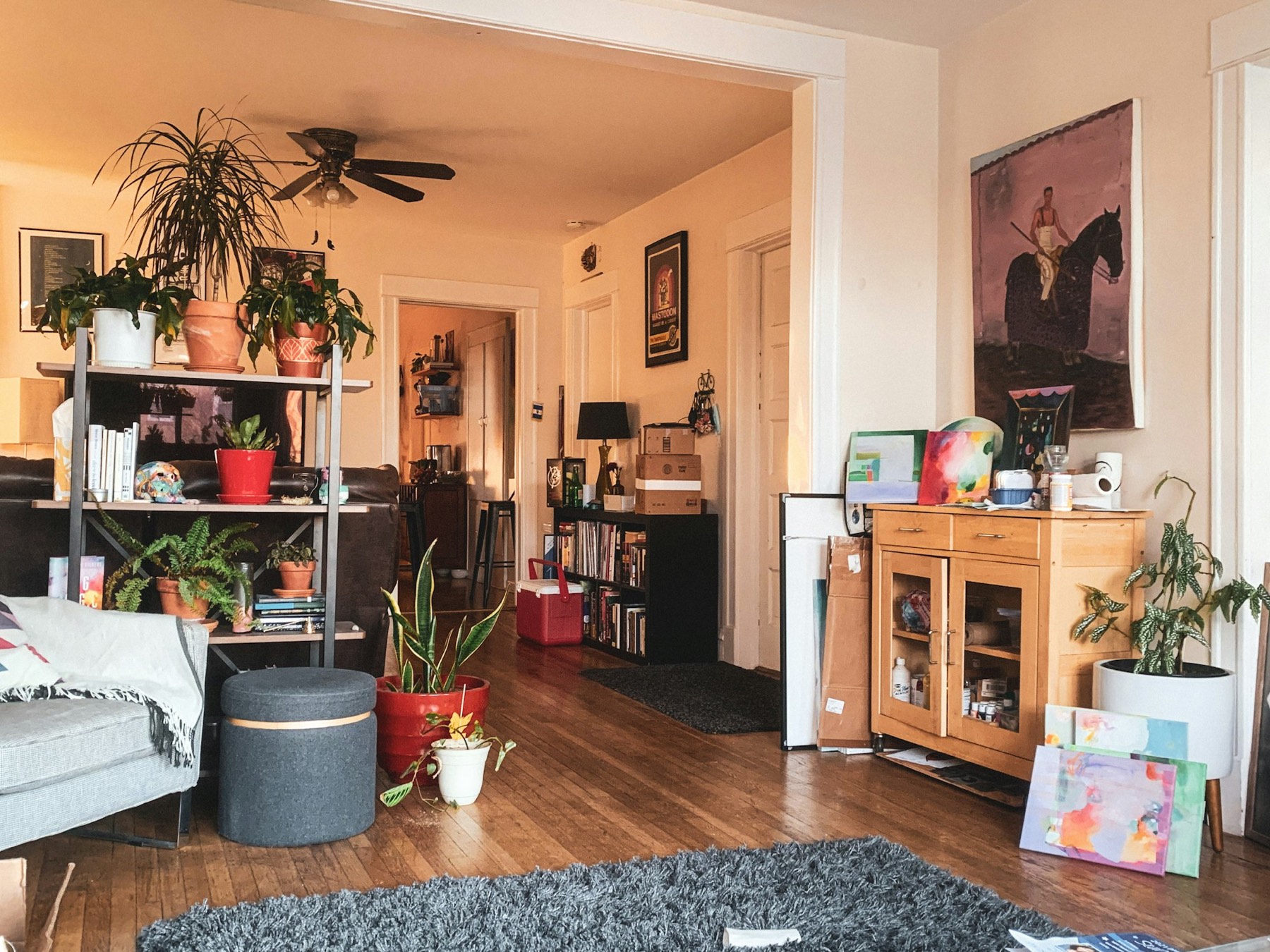
Everything Your Residents Need, Self-Service
Give residents a single portal to pay rent, submit maintenance requests, sign documents, and find answers — on the web or their phone. Fewer calls and emails for your team, a better experience for them.
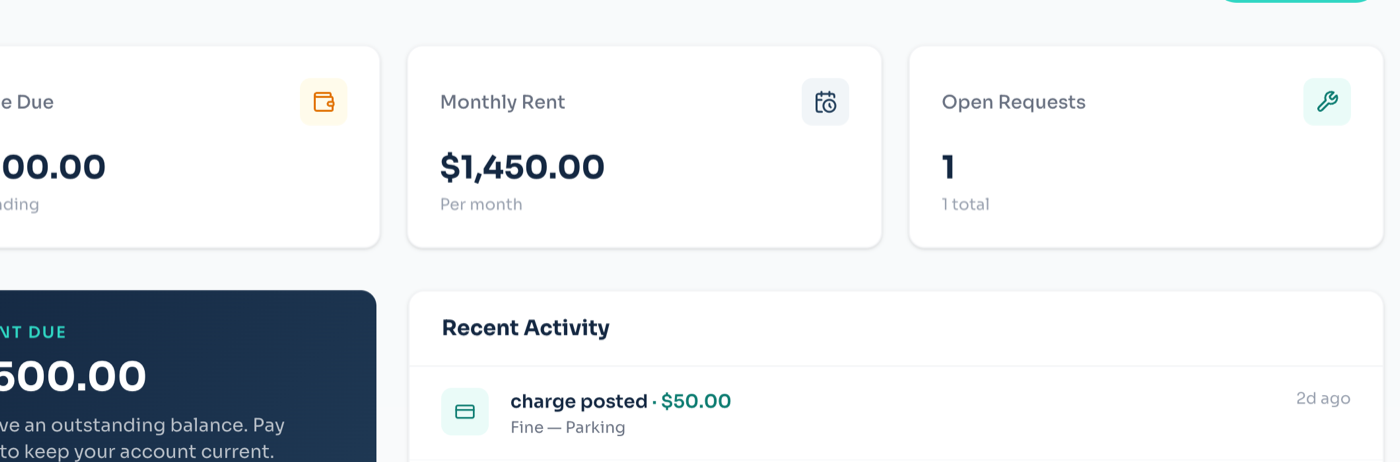
Pay, Request, and Sign in One Place
Residents handle the things they used to call about, around the clock, from any device.
Residents pay rent, set up autopay, view their ledger, and download receipts without ever picking up the phone.
They submit issues with photos, grant entry permission, and track status to completion — all from the portal.
Leases, renewals, and notices are delivered to the portal for review and electronic signature, with everything stored for reference.

Most residents open this twice a month
It has to answer what they came for on the first screen, or they ring the office instead — and that call is the cost the portal exists to remove.
Communication That Keeps Everyone in the Loop
Reach residents where they actually are and give them an easy way to reach you back.
Send building-wide or unit-specific messages by portal, email, and text, with read confirmation for important notices.
Residents message your team directly and every conversation is logged against their record, so nothing gets lost.
A branded mobile experience puts payments, requests, and messages a tap away, driving adoption and on-time rent.
What a resident actually does with it.
Most residents open this twice a month. It has to answer the question they came with in the first screen, or they ring the office instead — which is the cost the portal exists to remove.
- 01
They are invited, not asked to sign up
You add them against their unit and they get an invitation. There is no public registration, so nobody signs up claiming to live somewhere they do not.
- 02
They see what they owe, and why
One balance, with every charge, payment, fee and credit behind it. Most disputes are not about money, they are about not being able to see how a number was arrived at.
- 03
They pay, or set it and forget it
Bank transfer or card, once or on autopay. Autopay is the single biggest driver of on-time payment there is, and it is set up by the resident rather than requested from the office.
- 04
They report what is broken
With a photo, in about thirty seconds, and then they can follow it without ringing to ask. That one fact removes most of the calls a small office takes in a week.
- 05
They read their own documents
Their lease, notices, anything shared with them — and anything needing a signature is flagged rather than buried in an email from March.
- 06
They keep up without being chased
Receipts, repair updates and announcements arrive by email and push, and they choose which of those they want.
The rest of it.
Insurance Tracking
Residents upload renter’s insurance and the portal flags policies that are missing or about to expire.
Package & Amenity Notices
Notify residents of package arrivals and let them reserve amenities like the gym or community room.
Renewal Offers
Deliver renewal offers to the portal where residents can review terms and accept in a couple of taps.
Multilingual Support
Residents use the portal in their preferred language, broadening reach and reducing miscommunication.
Payment History
A complete, exportable record of every payment gives residents the documentation they need for any purpose.
Secure Login
Encrypted access with optional two-factor authentication keeps each resident’s information protected.
In Their Pocket
Everything here is in the iPhone and Android apps too, working offline and unlocking with Face ID.
Before you ask us.
- Can residents sign themselves up?
- No. You invite them against a unit. Public registration on a property portal means dealing with people claiming to live in your buildings, which is a problem nobody needs.
- Is there an app?
- Yes — iPhone and Android, with everything here plus offline access and Face ID. The browser version does the same things if they would rather not install anything.
- What does a resident see about other residents?
- Nothing. Their own ledger, their own requests, their own documents, and whatever the association publishes to everybody. There is no directory of neighbours.
- What happens when they move out?
- You end-date the lease. They stop having access; the record does not stop existing. Deleting somebody’s history the day they leave is how you lose the deposit dispute two months later.
Give residents a portal they’ll actually use
Rent, leasing, maintenance, the association and the books — one system, set up in an afternoon.