
Resolve Work Orders Without the Back-and-Forth
Residents submit requests in seconds, you assign the right vendor in a tap, and everyone tracks the job to completion in one place. Faster fixes, happier residents, and a record of every job.
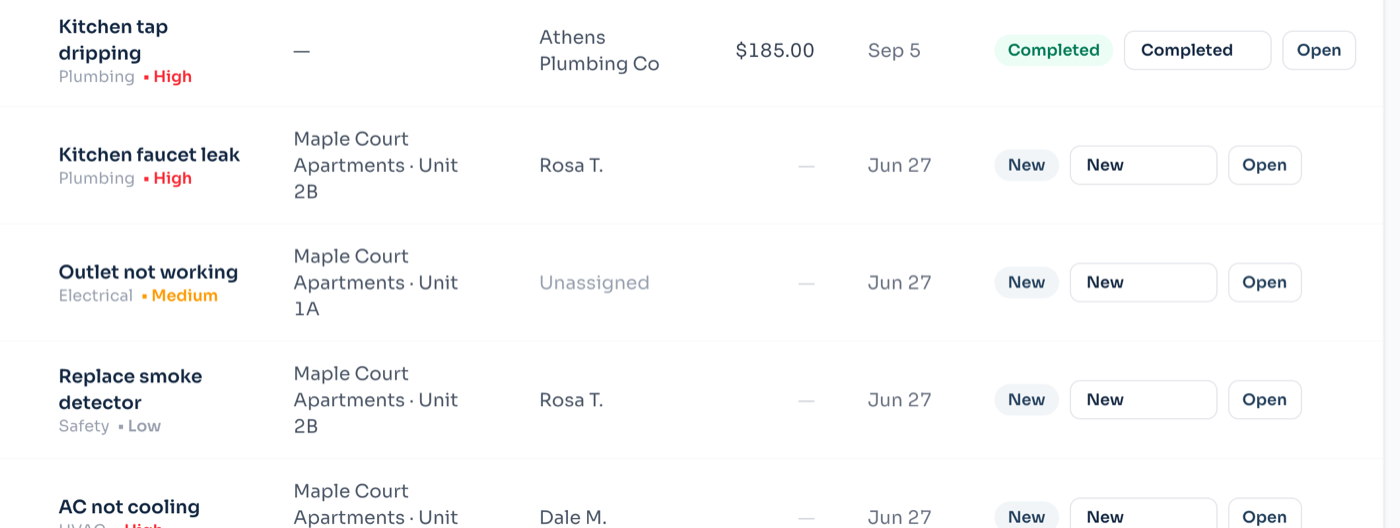
Requests with Context, Not Confusion
Stop playing phone tag. Residents tell you exactly what’s wrong, where, and when you can enter — from their phone.
Residents attach photos or short videos of the issue so your team and vendors diagnose the problem before the first visit.
Each request captures entry permission, pet warnings, and preferred times, so technicians arrive prepared and compliant.
Requests are tagged by category and urgency, with emergencies flagged so a burst pipe never sits in a queue behind a squeaky door.
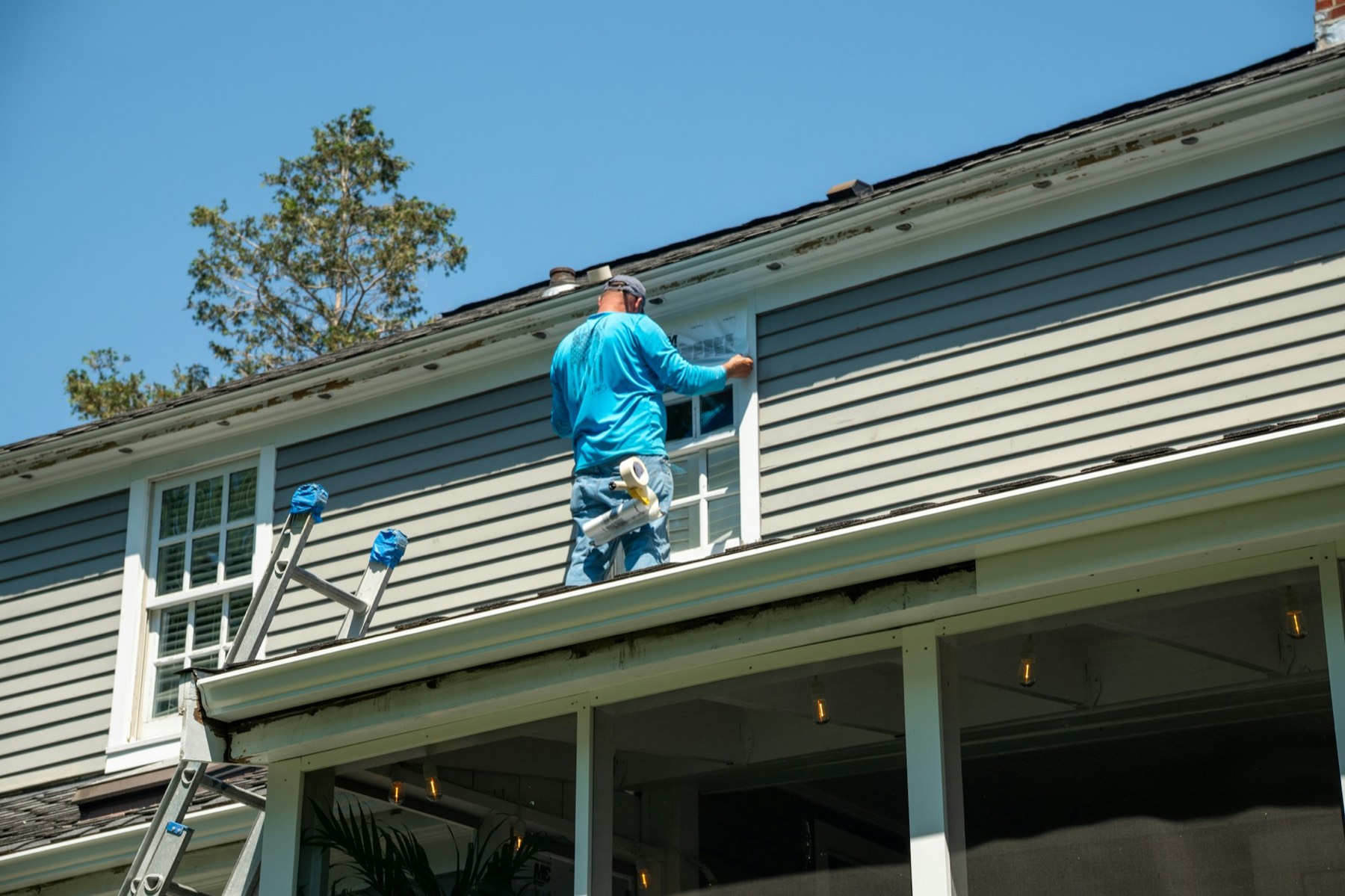
Whoever turns up should know what to bring
A photograph taken by the resident, standing in front of the problem, decides more about a repair than three paragraphs of description. It is usually the difference between one visit and two.
Vendor Assignment and Tracking
Route the job to the right person and watch it move from open to closed without chasing anyone for updates.
Assign work to in-house staff or your preferred vendors and notify them instantly with all the details and photos attached.
Every work order has a live status and full activity timeline, so residents see progress and you have an audit trail.
Log labor and parts against each job, bill back resident-caused damage, and roll costs into the property’s financials automatically.
From a resident noticing to somebody fixing it.
The gap between a problem existing and the right person knowing about it is where maintenance goes wrong. Every step here exists to close it.
- 01
The resident reports it
From the portal or the app, in about thirty seconds, with a photo taken standing in front of the problem. Urgency is asked in their words — “unsafe or unusable” is a question somebody can answer; “P1” is not.
- 02
It lands with you, not in a text message
The request arrives against the unit and the property, with the resident attached. Nothing depends on whoever happened to get the text being at work that day.
- 03
You triage and assign
Set priority, category and a vendor. The vendor sees it in their own portal — the job, the address, and nothing else about your portfolio.
- 04
The work happens, and is recorded
Status moves from new through assigned and in progress to completed. The cost goes on the record as it is known, which is what makes the year-end number real rather than reconstructed.
- 05
Everyone can see where it got to
The resident follows their own request without ringing to ask. That single fact removes most of the phone calls a small office takes in a week.
The rest of it.
Vendor Directory
Maintain a roster of vendors with trades, insurance expiry, and rates so the right pro is always a tap away.
Recurring & Preventive Tasks
Schedule filter changes, inspections, and seasonal upkeep so small problems never become expensive ones.
Resident Updates
Residents get automatic notifications as their request is received, scheduled, and completed — no follow-up calls.
Bulk & Make-Ready Workflows
Turn units faster with templated make-ready checklists that spin up every task needed between move-out and move-in.
Reporting & SLAs
Track average time-to-close, cost per unit, and vendor performance to find bottlenecks and renegotiate rates.
Mobile for Field Teams
Technicians view, update, and close jobs from their phone in the field, including photos of completed work.
A Photo Of The Problem
Residents attach photos from their phone when they report something, taken standing in front of it. Whoever comes out knows what to bring.
A Portal For Your Contractors
Vendors get their own login showing only the jobs assigned to them, address first. They see their work and nothing else — not your portfolio, not other contractors’ jobs.
Before you ask us.
- Can residents attach photos?
- Yes, from the phone app and the portal both. A picture of the leak tells whoever comes out what to bring, which is often the difference between one visit and two.
- Do my contractors need a Villagely account?
- They need a login, and it is free — vendors are not billed as users. They see only the jobs assigned to them, address first, and nothing else about your portfolio or other contractors’ work.
- Can I log work nobody reported?
- Yes. Plenty of maintenance starts with you noticing something rather than a resident reporting it, and those need to be on the same list or the list is not the truth.
- Does the cost feed into the accounts?
- Recorded costs roll into vendor totals for the year, which is what the 1099 preparation reads from. You are not retyping numbers into a spreadsheet in January.
- What about emergencies?
- Mark it high priority and it sorts to the top of the open list. Villagely does not ring anybody — an out-of-hours line is a service, not software, and pretending otherwise would be dangerous.
Turn maintenance chaos into a clean workflow
Rent, leasing, maintenance, the association and the books — one system, set up in an afternoon.